How to Add Beautiful Backgrounds to Screenshots Online
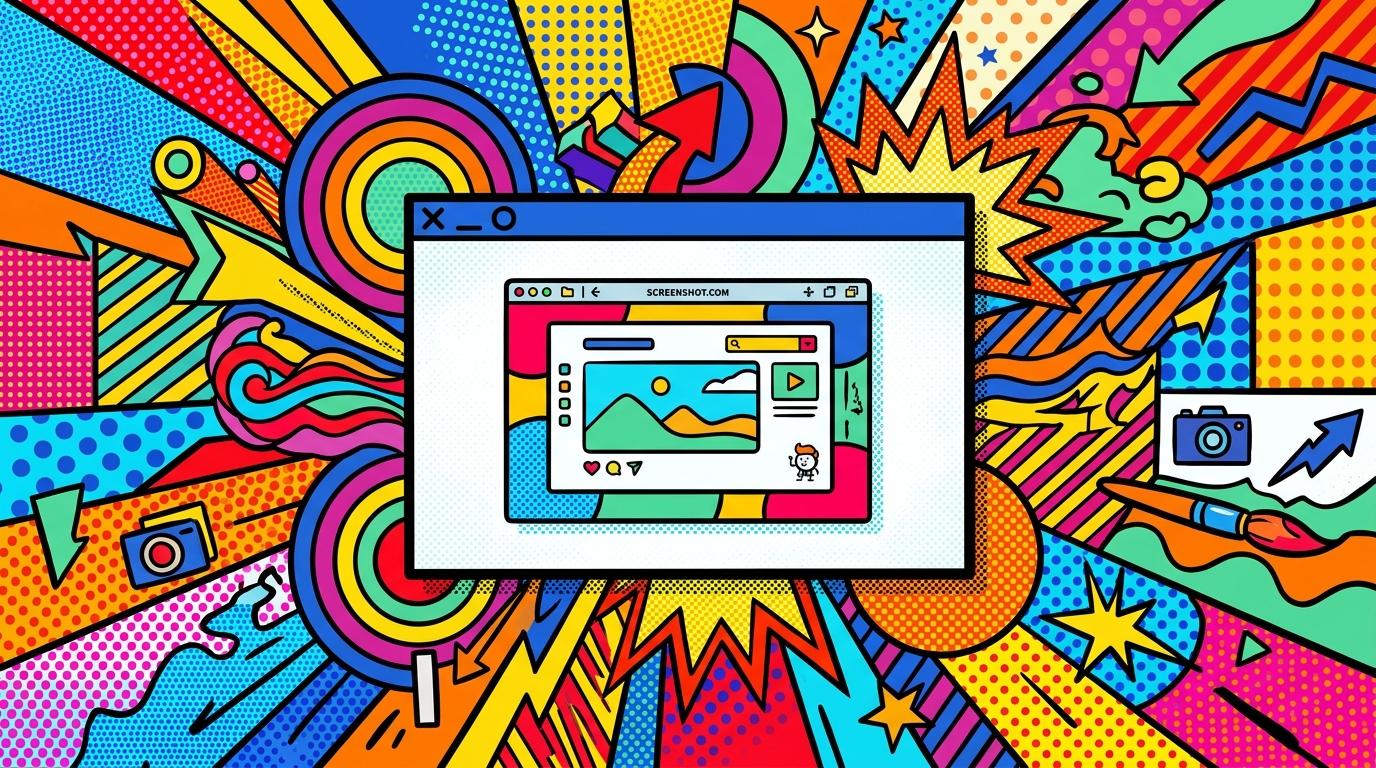
Screenshots are one of the most widely used visual assets in digital communication today. Whether you are a developer showcasing a new feature, a startup founder sharing product updates, or a content creator building social media presence, your screenshots often represent your first impression. However, raw screenshots rarely look appealing on their own. They are flat, plain, and often visually unbalanced. This is exactly where adding beautiful backgrounds to screenshots online becomes a game-changing improvement.
With modern browser-based tools like BetterScreenshot, you no longer need complex design software or advanced editing skills. You can instantly turn plain screenshots into polished, professional visuals with carefully designed backgrounds, shadows, padding, filters, and window-style frames. Everything happens directly in your browser, meaning there is no installation, no setup, and no technical barrier.
In this guide, we will explore how to add beautiful backgrounds to screenshots online, why it matters for branding and engagement, and how you can use BetterScreenshot to create high-quality visuals that stand out on any platform.
Why Backgrounds Matter in Screenshot Design
A screenshot is not just a captured image; it is a visual message. When shared on social platforms, documentation pages, or landing pages, it competes with hundreds of other visuals. A plain screenshot often gets ignored because it lacks depth and context. Adding a background changes everything by introducing contrast, atmosphere, and emotional tone.
Beautiful backgrounds help create a visual hierarchy. Instead of floating in a blank space, your screenshot becomes part of a designed composition. Subtle gradients, soft shadows, and modern color palettes make the content more readable and visually engaging. This is especially important for developers and indie makers who want to present their work in a professional way without hiring a designer.
BetterScreenshot focuses on this exact problem: turning raw screenshots into shareable, aesthetic visuals with minimal effort.
How BetterScreenshot Works in the Browser
BetterScreenshot is a fully browser-based screenshot beautification tool. This means everything happens instantly in your web browser without installing any software. You can upload an image or simply paste a screenshot directly into the editor.
Once your screenshot is loaded, you can start customizing it using a variety of visual controls:
- Background styles including gradients, soft tones, and modern minimal patterns
- Padding controls to create breathing space around your screenshot
- Shadow effects to add depth and realism
- Filters for tone adjustments and visual consistency
- Window frames to simulate browser or app UI presentation
All edits are applied in real time, allowing you to instantly preview the final result. This workflow is designed for speed, making it ideal for fast-paced product development and content creation environments.
Step-by-Step: How to Add Beautiful Backgrounds to Screenshots Online
Creating visually appealing screenshots with BetterScreenshot is simple. Here is a practical workflow you can follow:
- Open the BetterScreenshot editor in your browser
- Upload or paste your screenshot directly into the workspace
- Select a background style that matches your brand or message
- Adjust padding to ensure proper spacing around the content
- Add shadow effects for depth and separation from the background
- Apply optional filters for tone consistency
- Choose a window frame style if you want a UI-based presentation
- Export your final image in PNG, JPG, or WebP format
This process takes only a few seconds but significantly improves the perceived quality of your visuals. The goal is not to change the screenshot itself, but to elevate its presentation.
Design Principles Behind Beautiful Screenshot Backgrounds
Not all backgrounds are equally effective. A good screenshot background should support the content rather than distract from it. The most effective designs follow a few key principles.
First, contrast is essential. The screenshot must remain readable, so backgrounds should never overpower the foreground. Soft gradients and muted tones work best because they provide visual interest without reducing clarity.
Second, spacing matters. Padding creates breathing room, allowing the screenshot to stand out naturally. Without enough spacing, even a well-designed background can feel cluttered.
Third, consistency is important for branding. If you are sharing multiple screenshots, using a consistent background style helps build recognition and visual identity across platforms.
Use Cases: Who Benefits from Beautiful Screenshot Backgrounds?
Adding backgrounds to screenshots is not just about aesthetics; it is about communication. Different users benefit from this approach in different ways.
- Indie hackers use it to showcase product updates in a more appealing way
- Developers improve documentation visuals and GitHub project presentations
- Startups create marketing materials for landing pages and pitch decks
- Content creators design engaging visuals for social media posts
- Designers quickly prototype visual compositions without full design tools
In all these cases, the goal is the same: transform functional screenshots into visually compelling assets that attract attention and improve communication.
Exporting High-Quality Screenshots
Once your design is complete, BetterScreenshot allows you to export your image in multiple formats including PNG, JPG, and WebP. Each format serves a different purpose. PNG is ideal for high-quality transparency support, JPG is perfect for lightweight sharing, and WebP offers modern compression with excellent quality retention.
All exports are generated in high resolution directly in the browser. This ensures your visuals remain sharp and professional across all platforms, whether you are posting on social media, embedding in documentation, or using them in presentations.
Common Mistakes When Adding Backgrounds to Screenshots
While background design is powerful, it is easy to overdo it. One common mistake is using overly complex or colorful backgrounds that distract from the screenshot itself. The purpose is enhancement, not replacement.
Another mistake is ignoring spacing. Without proper padding, even a beautiful background will feel cramped. Additionally, inconsistent styles across multiple screenshots can reduce brand cohesion.
BetterScreenshot helps avoid these issues by providing pre-designed, balanced visual presets that are optimized for clarity and aesthetics.
Frequently Asked Questions (FAQ)
Below are some common questions about adding beautiful backgrounds to screenshots online using BetterScreenshot.
Do I need design skills to use BetterScreenshot?
No. The tool is designed for non-designers. All background styles, shadows, and layouts are ready to use with simple controls.
Can I use BetterScreenshot on any device?
Yes. Since it runs in the browser, you can use it on desktop, laptop, or any modern browser without installation.
What formats can I export my screenshots in?
You can export your final design in PNG, JPG, or WebP formats depending on your needs.
Is there a usage limit for free users?
Yes. Free users can download up to 3 images per day. Higher limits and additional features are available through subscription plans.
Do I need to create an account?
Yes. Login is required to access the editor and export your designed screenshots.
Final Thoughts
Learning how to add beautiful backgrounds to screenshots online is one of the simplest yet most effective ways to improve your visual communication. With BetterScreenshot, you can turn ordinary screenshots into professional, engaging visuals in seconds. This not only improves aesthetics but also increases engagement, clarity, and perceived value of your content.
Start Creating Beautiful Screenshots Today
Open BetterScreenshot in your browser, upload your screenshot, and instantly transform it with modern backgrounds, shadows, and professional styling.
Try BetterScreenshot Now
BetterScreenshot
BetterScreenshot Team